Ask a teacher at an A Level school where the Year 12 chemistry notes are, and the honest answer is often "somewhere." Some are in a shared folder, some were sent as email attachments, a few live in a messaging group and the latest worksheet is on a USB drive. Multiply that by every subject, every class and every term, and you have the quiet administrative weight that sits underneath a lot of school life.
This is the problem a learning management system, or LMS, is meant to ease. This guide is for school leaders, heads of department and teachers who are wondering whether an LMS would help their A Level students, and how to judge one if so. It explains what an LMS does, how it can support teaching, assessment and feedback, what to think about before rolling one out and what to ask a provider. It is also a companion piece to our guide on how to choose an online learning platform for A Level students, which looks at the same landscape from the student's side.
An LMS supports teaching. It doesn't replace teachers, official syllabuses or past papers, and nothing here changes what your students are examined on. The current syllabus for each subject remains the reference for content.
What a Learning Management System Is, and Isn't
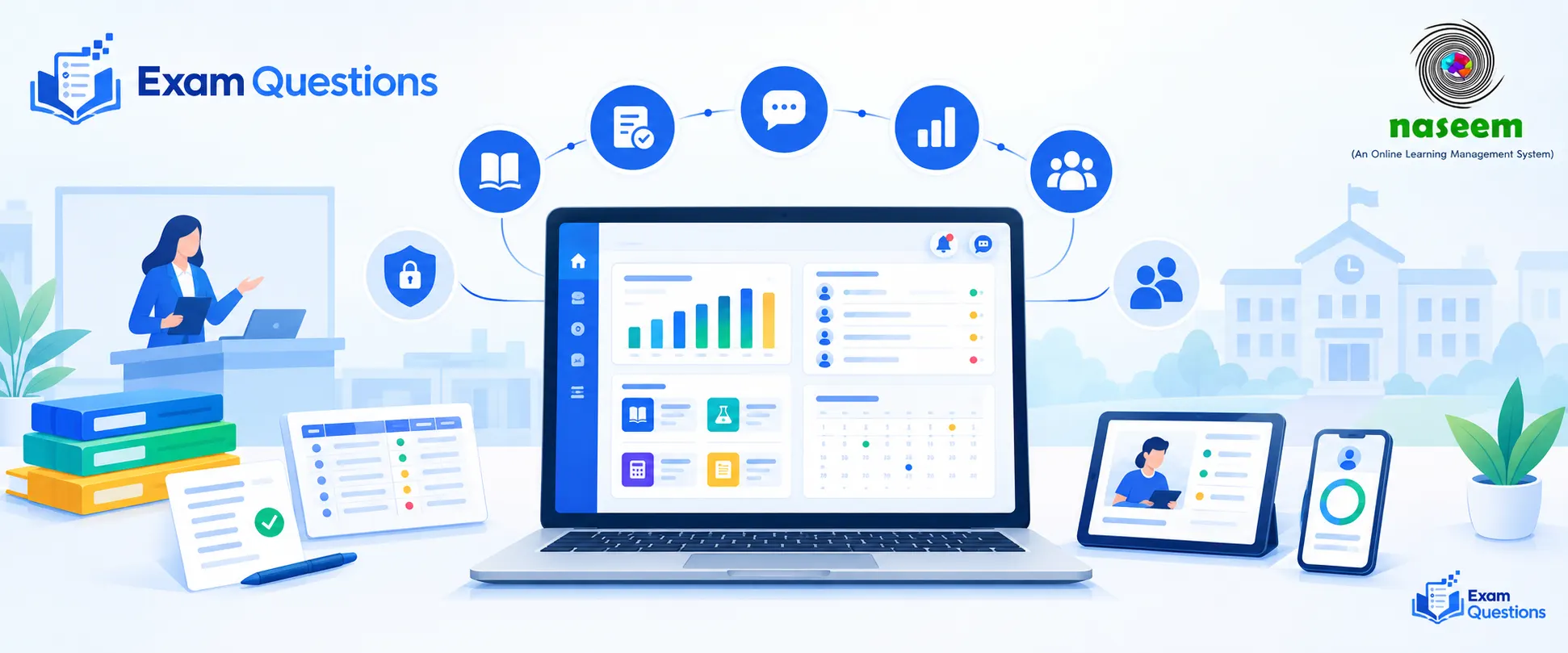
An LMS is software a school uses to run its teaching online. Teachers set up courses, share material, set and collect work, record results and communicate with students and sometimes parents. Students log in to see what they need to do and how they're doing.
| An LMS is | An LMS is not |
|---|---|
| A place to organise courses, materials and assignments | A replacement for teaching or teacher judgement |
| A way to record and view assessment results and progress | A source of official exam papers or mark schemes |
| A channel for feedback and communication | A guarantee of better results by itself |
| A system the school chooses and manages | Something an individual student typically picks |
That last distinction matters. A student looking for extra practice chooses a practice tool, as we describe in our guide for students and parents. A school looking for a way to run teaching across hundreds of students chooses an LMS. The two can sit side by side without overlapping.
The Everyday Challenges A Level Schools Face
A Level teaching has features that make coordination harder than it looks. Seeing them clearly is the first step in deciding whether a system would help.
Scattered resources. Notes, slides, worksheets and past-paper sets live in different places, and students can't always find the current version.
Many subjects, small classes. A school may run a dozen subjects with only a handful of students in some, so each teacher juggles several groups.
Assessment workload. Setting, collecting, marking and recording tests, mocks and homework takes hours that could go to teaching.
Slow feedback. When marking sits in a pile, students hear back too late for the feedback to change what they do next.
Patchy visibility. It is hard to see, across subjects and across terms, which students are slipping until a mock result lands.
Communication gaps. Students, parents and teachers often rely on informal channels that nobody can search later.
None of these is unusual, and none is solved by software alone. But several of them are exactly the kind of thing structured digital tools are good at.
How an LMS Can Help
Organising courses and activities
Each subject gets a course space with its materials arranged by topic or by week, so students see one current version of everything. Teachers can reuse a structure from year to year and update it in one place, instead of resending files. For A Level, this works well when the course mirrors the syllabus structure, so students can see how the pieces fit together.
Supporting assessment workflows
An LMS can handle the logistics of assessment: setting an assignment or quiz, collecting submissions, recording marks and returning results. Some systems also support question banks, rubrics and automatic marking of objective items. The saving is mostly administrative, and the teacher still decides what to assess and how to judge the work.
Speeding up feedback
When marks and comments are returned through one system, students get them promptly and can find them again later. Feedback that arrives while the topic is still fresh is far more useful than feedback that arrives a month later.
Making progress visible
Gathering results in one place lets teachers and leaders see trends: how a class is doing on a topic, how an individual's scores are moving across tests, who has missed submissions. That visibility is the main reason many schools consider an LMS in the first place.
Helping teachers notice who needs support
Patterns such as missed work, a run of falling scores or consistent difficulty with one topic can prompt a conversation earlier than an end-of-term report would. The key word is prompt. The data tells a teacher where to look. It doesn't explain why a student is struggling, and it should never replace a conversation with the student.
Matching School Needs to LMS Capabilities
| School need | What an LMS can offer | What to check |
|---|---|---|
| One current set of materials | Course spaces organised by topic or week | How easily teachers can upload, reorganise and reuse content |
| Less assessment admin | Assignments, quizzes, mark recording and returns | Whether it fits the school's marking and grading practices |
| Timely feedback | Comments and marks delivered in one place | How feedback is shown to students and how long it stays available |
| Visibility of progress | Dashboards and reports by student, class or topic | What the reports show, and whether they are accurate and understandable |
| Early support | Flags such as missed work or falling results | How alerts are defined, and who sees them |
| Parent communication | Parent access to progress and messages | Permissions, notification options and language support |
Treat this table as a conversation starter with a provider. Ask them to show each item working, using one of your own subjects, rather than describing it in the abstract.
Using Data Wisely to Support Students
Progress data is powerful, and it needs careful handling. A few principles keep it helpful.
- Use it to start conversations. A flag is a reason to talk to the student, not a verdict.
- Look at patterns, not single points. One poor test means little. A trend across several is more informative.
- Share it appropriately. Decide who sees what: teachers, heads of year, parents and students may need different views.
- Avoid labels. Language such as "at-risk" can stick. Describe what support is needed instead.
- Check accuracy. Reports are only as good as the data entered, so make sure marks are recorded consistently.
Implementation: Starting Small and Getting It Right
Many LMS projects fail not because the software is poor but because the rollout is. A sensible approach is to start with a small pilot and build from what works.
| Stage | What to do | Why it helps |
|---|---|---|
| Plan | Name the two or three problems you most want to solve, and who owns the project | Keeps the project focused and measurable |
| Choose | Test shortlisted systems with real workflows and real teachers | Shows how well each fits daily practice |
| Pilot | Run it with one department or year group for a term | Reveals problems while they are cheap to fix |
| Train | Give teachers time and support, not just a login | Adoption depends on confidence |
| Review | Gather feedback from teachers, students and parents, and adjust | Builds trust and improves the system |
| Expand | Roll out gradually, with templates and lessons from the pilot | Avoids repeating early mistakes |
Measure success in plain terms: Is marking admin lower? Do students find materials easily? Do teachers say it saves them time? If the honest answers are no, change the approach before expanding.
Teacher Adoption Is the Real Test
An LMS that teachers dislike quickly becomes a place where files go to be forgotten. Adoption improves when the system removes work before it adds any, for example by making it easier to set and mark routine homework. Involve teachers in the choice, appoint a few respected colleagues as early champions, and offer short, practical training sessions that use real class material. Be open about what is optional at the start, so people can build confidence without feeling forced.
Student and Parent Access
- Role-based views. Students should see their own work, teachers their classes and parents only their own children.
- Clear notifications. Too many alerts get ignored, so let people choose what they receive.
- Access on real devices. Many students and parents will use a phone, so check the mobile experience and data use.
- Language and accessibility. Text should be readable, navigation clear and help available in the languages families use.
- Onboarding. Give students and parents a short guide so they can find what they need on day one.
Privacy and Data Protection
A school LMS holds personal information about children, which brings real responsibilities. Before you commit, get clear answers, in writing, to a short list of questions.
- What data does the system collect, and is all of it necessary?
- Who can see which data, and how are permissions managed?
- Where is the data stored, and for how long is it kept?
- How can a student's data be exported or deleted when they leave?
- What security measures protect accounts, and what happens in a breach?
- Which legal and local data-protection requirements apply to your school?
Your school's leadership and any legal or data-protection adviser should be involved here. The answers are as important as any feature.
A Checklist for Evaluating a School LMS
| Criterion | Questions to ask |
|---|---|
| Fit with your workflow | Can it handle how your teachers actually plan, set and mark work? |
| Assessment tools | Does it support the kinds of assessment you use, including rubrics and quizzes? |
| Reporting | Are progress reports clear, accurate and useful to teachers and leaders? |
| Teacher experience | Is it quick to learn and does it save time in real use? |
| Student and parent experience | Is it easy to use on a phone, with sensible access controls? |
| Support and training | What onboarding and ongoing help does the provider offer? |
| Privacy and security | Are data handling and protection clear and acceptable? |
| Integration | Can it work with your existing systems, such as student records? |
| Cost | What is the total cost over several years, including training and support? |
| Evidence | Can the provider show a working demonstration and speak to schools like yours? |
Naseem Education: A School-Focused LMS
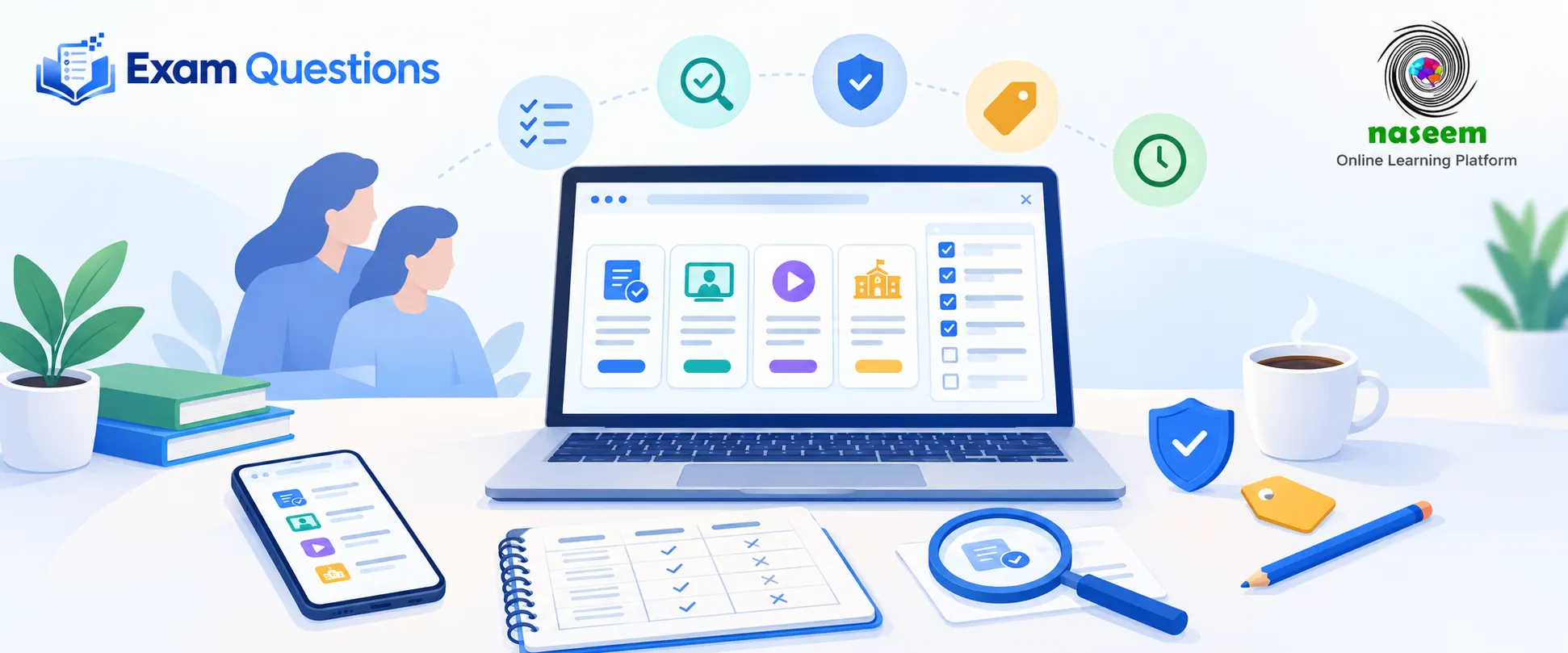
Schools looking at this space will find a range of providers. One of them is Naseem Education, a learning management platform designed for schools. Its LMS page lists features including course management, assignments and learning activities, assessments with auto-grading, student progress tracking, instant feedback, learning analytics and insights, parent engagement, personalised and gamified learning and multilingual support. Those map onto several of the needs described above, such as organising courses, handling assessment workflows, giving visibility of progress and keeping parents informed.
It also has pages for different roles. The teacher page describes course and content management, assignments and quizzes, progress tracking, a teacher dashboard and analytics for spotting learning gaps. The principal portal page describes school-wide visibility across classes, subjects and student groups, dashboards and reports, and earlier identification of students or topics that may need extra support.
As with any provider, the sensible way to evaluate it is to read its own pages for current features, ask for a demonstration with one of your own subjects and run it against the checklist above. Its site doesn't list prices, so ask about cost and about the scope of features such as auto-grading when you request a demo. This article doesn't suggest that an LMS supplies Cambridge exam content or generates exam questions, and Naseem Education's pages don't claim that either. Schools continue to rely on the official syllabus, official past papers and their teachers' own materials, and an LMS is the system that helps organise and deliver them.
How an LMS Sits Alongside Student Practice Tools
A school LMS and a student practice tool do different jobs. The LMS organises what the school teaches, assesses and records. A practice tool gives individual students extra questions and feedback on their own weak topics. Exam Questions, for example, is an optional practice resource built around Cambridge International A Level subjects, as described on our AI exam preparation page. The two can work together: teachers can use their LMS to see where a class is struggling, and students can use practice tools and past papers to work on those topics. For the student side of this choice, see our guide on how to choose an online learning platform for A Level students.
Common Mistakes When Adopting an LMS
- Buying on features alone. A long feature list doesn't mean the system fits your school.
- Skipping the pilot. Problems found early are far cheaper than problems found school-wide.
- Underestimating training. A login is not training.
- Treating data as a verdict. Progress data starts conversations; it doesn't settle them.
- Ignoring privacy until later. Ask the hard questions before signing.
- Forgetting students and parents. If they can't use it easily, it won't help.
Final Thoughts
A learning management system won't teach your A Level students for you, but it can take much of the logistics off your teachers' plates, speed up feedback and give everyone a clearer view of how students are doing. The best results come from choosing carefully, starting small, supporting teachers and treating data with care.
For the wider picture of how students and families choose online tools, read our guide on how to choose an online learning platform for A Level students. For the study side, see how to prepare for A Level exams and past papers vs AI exam practice.
Practise the subjects you choose
Work through topic questions and past papers for your A Level subjects, and get your answers marked with the reasoning behind each mark.